Oracle VM VirtualBox : Making VirtualBox Fullscreen by Installing Guest Additions In Linux

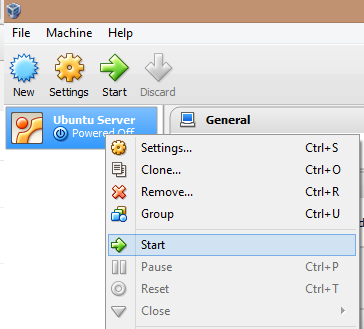
If you've installed an operating system in VirtualBox before you've probably noticed the screen is really small even when you switch to Fullscreen mode. It's so small that you can't even see the fonts for the icons if you have a desktop GUI installed. To fix this problem VirtualBox provides us with the Guest Additions tool. Which enables the virtual machine to be viewed at fullscreen. To enable full screen on a Linux operating system. Perform the following actions, this should work on all Linux distribution that VirtualBox supports. 1. Start the virtual machine that you want to make full screen 2. Log into your GUI desktop 3. Click on "Devices" and then select "Insert Guest Additions CD Image" Note: If you get the message "Unable to insert the virtual optical disk C:", Most likely you've already mounted the "Guest Additons" ISO on your virtual machine, so you should be good to go. 4. Start a terminal session, by search...